
Services and Support
[Don’t Panic]
How the Repair Process Works
1. Tell me what’s going on
Send a message or bring your Mac by and describe what you're experiencing. Even small details can help narrow down the cause.
When I meet most clients, I take the opportunity to do a basic diagnostic with them. We look at the device together, potentially open it up, and identify the issues. it offers transparency, and demystifies Macs a little bit, and reassures folks with a clear repair strategy.
2. Repair or Recovery
Once we understand the problem, and depending on the issue, the repair timeline can take anywhere from a few hours to a few days.
3. Return and Review
When your Mac is ready, we’ll take a moment to review the repair together. I’m also happy to answer questions and share tips to help prevent future issues.
Common Questions
-
Whenever possible, protecting your files is the first priority. If your Mac is still readable, I will usually create a backup before beginning major work.
-
Simple repairs may be completed within a few hours. More complex issues, part orders, or liquid damage treatments may take several days.
-
Often yes. Many Macs can be repaired or upgraded at a fraction of the cost of replacement. I’ll help you decide what makes the most sense.
-
If possible, make a backup using Time Machine and make sure you have access to important passwords for email, Apple ID, or other accounts.
• Write down your important passwords (email, Apple ID, etc.)
• Back up your files using Time Machine if you have an external drive
• Bring your charger so I can test power behavior
• Let me know what happened — spills, drops, updates, or strange behaviorIf you're unsure how to back up your Mac, I can help with that too.
Screen Repair
Cracked, flickering, dim, or completely black screens are one of the most common Mac problems. Sometimes the issue is the display panel itself, and other times it can be a damaged cable or internal connector.
I carefully diagnose the cause and replace the screen when necessary using genuine Apple parts. Most screen replacements involve safely opening the device and installing a new display assembly.
If your Mac turns on but you can't see anything, there is still a good chance the computer itself is fine — it may simply need a new screen.

Liquid Damage
Spills happen — coffee, water, tea, juice — and it’s stressful when they land on a laptop.
The most important thing is not turning the computer back on until it has been properly cleaned and inspected. Liquids contain minerals and other compounds that slowly corrode electronic components, even if the machine appears to work at first.
I disassemble the Mac, remove moisture, clean the internal components, and inspect for corrosion or damaged parts. In many cases, systems can be revived if treated quickly.
Even after a successful repair, some components may behave differently over time depending on how much exposure occurred.
Battery Replacement
Over time every laptop battery wears down. You may notice your Mac shutting off unexpectedly, losing charge quickly, or reporting that the battery needs service.
In some cases batteries can also physically swell, which may cause the trackpad or keyboard to feel raised.
I replace the old battery with a new one and safely recycle the original. A fresh battery can dramatically improve portability and stability, especially on older Macs.
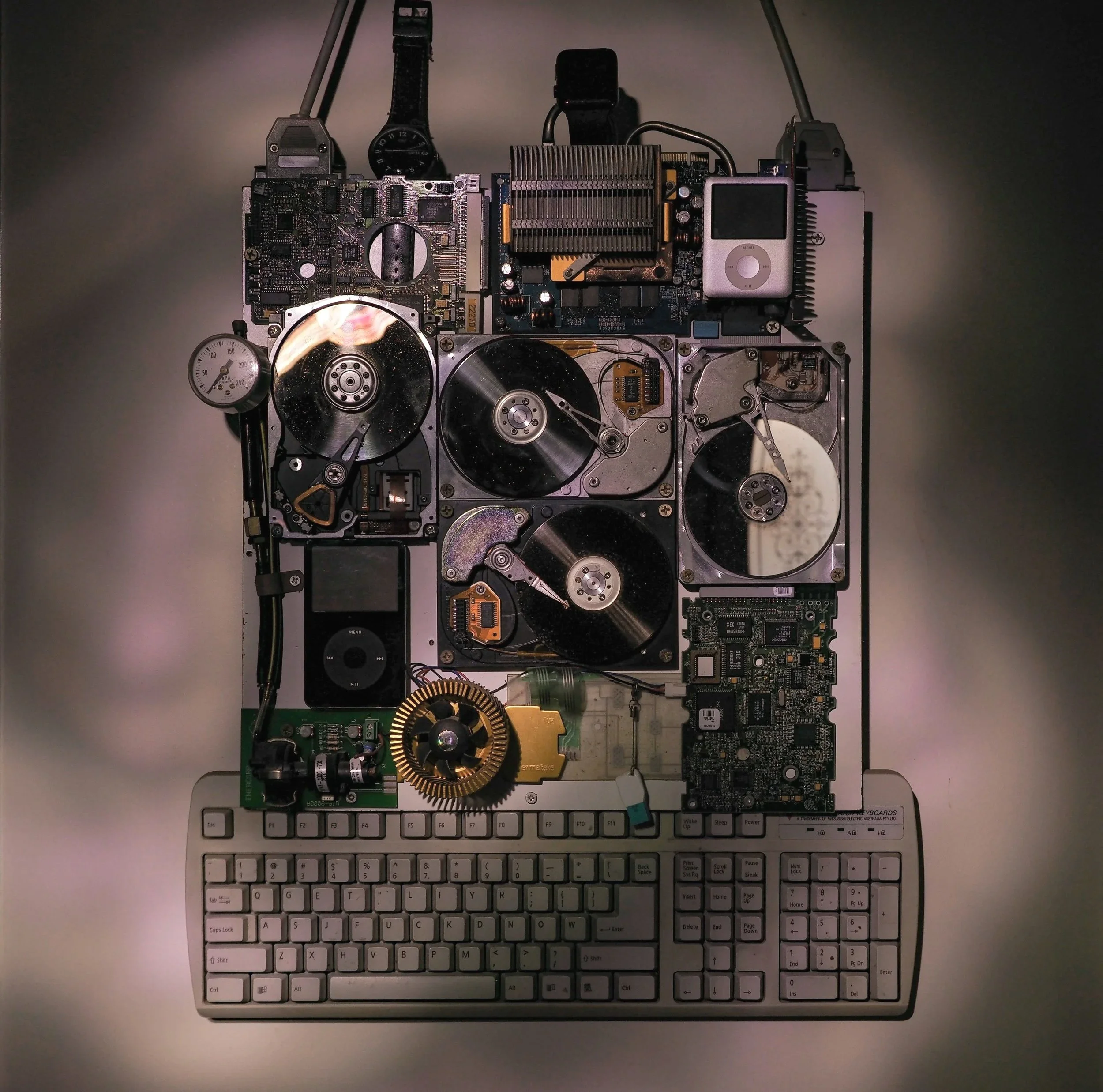
Hard Drive / Storage Failure
If your Mac suddenly becomes very slow, fails to start, shows a flashing folder icon, or can't find its startup disk, the internal storage may be failing.
I can test the drive, recover data when possible, and replace the storage device if needed. When replacing older drives, I often install faster solid-state storage that can significantly improve performance.
Whenever possible, your files are preserved or transferred to the new system.
System Upgrades & OS Reinstallations
Older Macs can often be given new life with the right upgrades.
Depending on the model, improvements might include faster storage, additional memory, battery replacement, or a refreshed operating system.
These upgrades can extend the usable life of a machine for several more years and often cost far less than replacing the computer.
Sometimes the hardware is fine but the software becomes unstable — apps crash, the system runs slowly, or updates fail.
A clean reinstall of macOS can resolve many of these issues. I back up your files, reinstall the operating system, apply updates, and restore your data.
The result is often a Mac that feels fresh, stable, and far more responsive.
Sometimes You're Not Sure What’s Wrong
That’s totally ok.
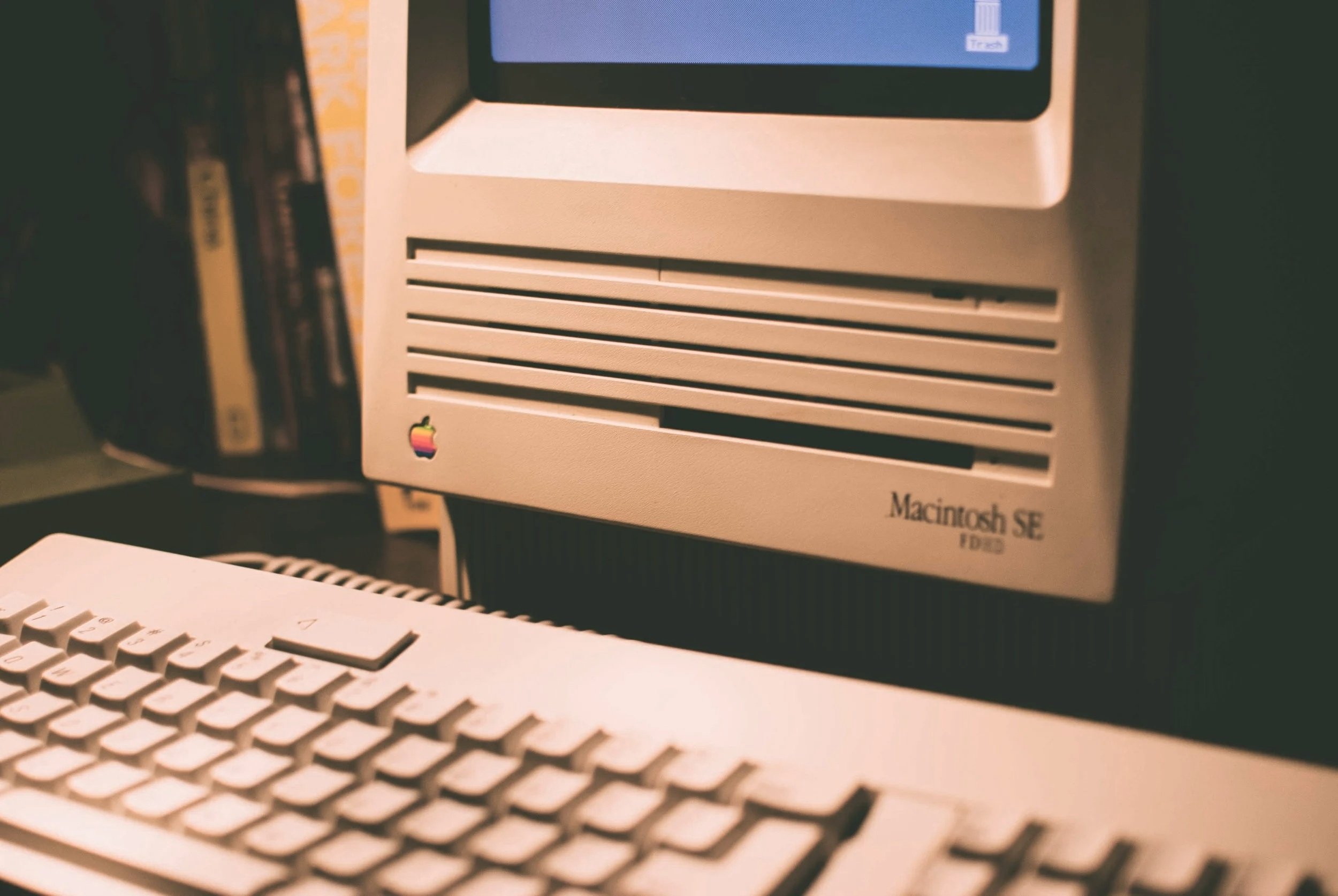
Many people bring in a Mac simply because “something doesn’t feel right.” I’m happy to take a look, run diagnostics, and help you decide whether repair, upgrade, or replacement makes the most sense, or if you simply need to give it some tlc.
Reach out via email or phone, and we can set up a time to meet and figure it out together.